Your mail, readable by your AI.
Connect your email to Claude, ChatGPT or Grok and ask in a plain sentence: who wrote me, what haven't I replied to, when does the parcel arrive. Read-only by default — changes only where you allow them, and nothing is sent without your approval. Nothing to install.
Gmail works too — and unlike the native connector, mcp4mail opens attachments, stays read-only until you say otherwise and keeps several mailboxes in one connector. For everyone else as well: hosting providers, your own domain, Seznam, iCloud, Fastmail, Zoho and any IMAP mailbox. Free and open source.
Works with Claude Desktop and Cowork, ChatGPT, Grok and anything that speaks MCP.
Read from your mailbox · 4 messages
- January — annual statement, €48 refund.
- April — new contract to sign, awaiting your reply.
- August — reminder: report mileage by 15 Sept.
Ask your mail like a person. Not like a programmer.
You don't need to know what IMAP, MCP or a server is. You have an email address and you use Claude, ChatGPT or Grok — that's enough. Once connected, you ask, and they find the answer in your mailbox.
“Which mails from last week haven't I replied to yet?”
“Find the order confirmation for the shoes and tell me when they arrive.”
“Summarize the whole renovation thread and what it means for me.”
Three steps. Nothing to install.
-
Add a mailbox
Sign in at mcp4mail.online and enter your email address and an app password — a separate password just for this, which Gmail, iCloud, Outlook and others generate in their settings. You never type your main password.
-
Connect your AI
In Claude, ChatGPT or Grok, open the connector settings and paste one address:
mcp4mail.online/mcp. Sign in, approve access — done. It works like “Sign in with Google”. -
Ask
Type the question the way you'd say it to a colleague. The AI reads what it needs and answers. It sees only the mailboxes you connected, and until you allow changes for a mailbox it can't change anything there — not even mark a message as read.
Read-only until you allow more.
It only reaches what you allow. Every mailbox starts read-only, and nothing is sent without your approval. And if you don't want your password on someone else's server, run mcp4mail yourself.
Read‑only by default
Until you switch on “Allow the AI to make changes to this mailbox”, the AI can only list, search and read it — nothing is sent, moved, deleted or marked as read. Switched on, you tick what it may do: mark and flag, move messages and create folders, write drafts, send and reply, delete to trash — all ticked to start with. An email it wants to send waits until you press Send in the message we email you.
App password, encrypted
You enter an app password, not your account password — revoke it any time. It's stored encrypted and your AI client never sees it: access goes through OAuth 2.1.
Or entirely on your machine
One docker compose up and your credentials never leave your computer. Self‑hosting guide.
Limits and an audit log
Every call is written down: who, which client, which tool, with what outcome. Searches have a budget, so a runaway loop can't walk a whole mailbox.
Written by AI developers. Briefed by people.
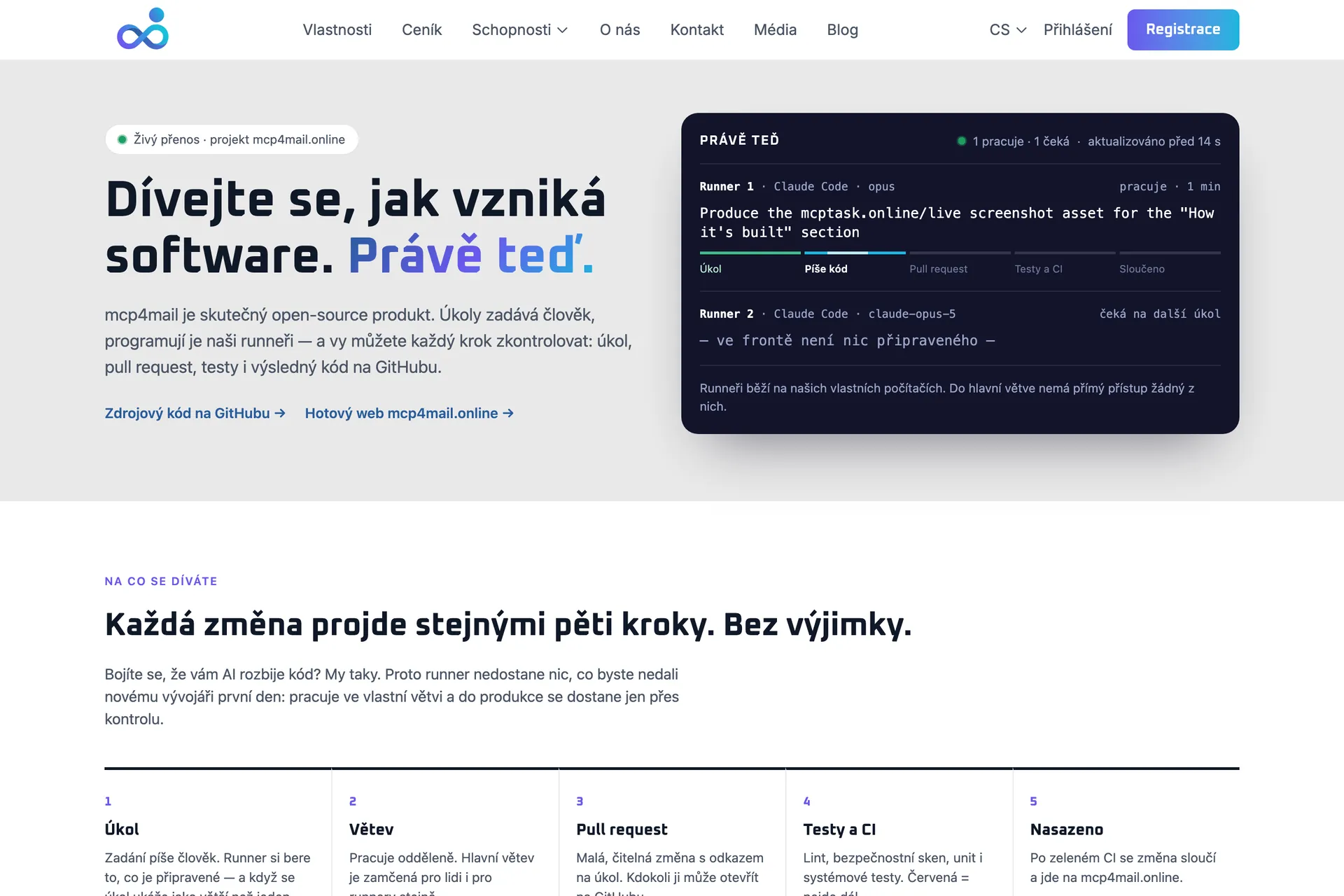
mcp4mail is a real open‑source product and, at the same time, a public demonstration. Tasks are written by people in mcptask.online; runners pick them up — Claude Code driven by the mcptask runner, on our own machines — and every change follows the same path: task → branch → pull request → tests → merge. Nobody, person or runner, pushes to main directly.
A merge is not a release: the site runs from a separate branch that a person promotes when the work is ready. People still decide what gets built and what ships. Want to help? Issues and pull requests are welcome.
Questions
Do I have to install anything?
No. The hosted version runs at mcp4mail.online; add a mailbox and paste the connector address into your AI client. Installing (docker compose) is only for people who want to run the server themselves.
Do I need this for Gmail or Outlook?
For everyday reading, the native Gmail connector in Claude, ChatGPT and other AI clients is enough. Use mcp4mail with Gmail when you need what it cannot do: fetch attachments, keep several mailboxes in one connector, stay read-only by default. Gmail needs two-step verification and an app password. Outlook has its own native connector too. And every other mailbox — your hosting provider, your own domain, Seznam, iCloud, Fastmail, Zoho or anything else that speaks IMAP — is what mcp4mail was built for.
What is an app password and where do I get one?
A separate password you generate in your mail provider's security settings (Gmail, iCloud, Outlook.com, Yahoo, Fastmail and others). It only works for signing in to mail, can be revoked any time, and never opens your whole account.
Can the AI send or delete anything?
No. No tool can, and the server won't even start with one that could. Write tools may come later — only as an explicit opt‑in for a specific mailbox.
What does mcp4mail store?
A copy of message headers — sender, recipients, subject, date, flags, size — refreshed every 15 minutes so searches don't hit your mail server each time. The content of your questions isn't logged.
What does it cost?
Nothing. The code is open source under the MIT license, and both the hosted version at mcp4mail.online and running it yourself are free.
Your mailbox is waiting for its first question.
Three steps, five minutes, nothing to install.